Post On Multiple Social Platforms With A Single Click
Publish your content across all major social media platforms instantly with just one click.

Plan, create, and share with the most flexible social media toolkit.
Supported social networks




 DashboardCreate PostMedia
LibraryCalendarAnalytics
 10:00 AM
 02:00 PM
 11:30 AM




 +

 Join Thousands Of People
Post Everywhere
Schedule posts, share them to Stories and track reactions, comments and shares.
Schedule posts, share them to Stories and track likes, comments and engagement.
Schedule posts and track impressions, clicks, likes, comments and shares.
Schedule videos and track views, likes, comments and engagement.
Schedule videos with settings for each account and track views, likes and shares.
Schedule pins and track impressions, clicks and engagement.
Schedule Reddit posts from the same calendar as every other network.
Schedule posts and track views, replies, reposts and quotes.
Why Choose Us
Publish your content across all major social media platforms instantly with just one click.

Plan, organize, and schedule your content easily with a visual calendar.

Get instant help from our expert support team anytime, anywhere.

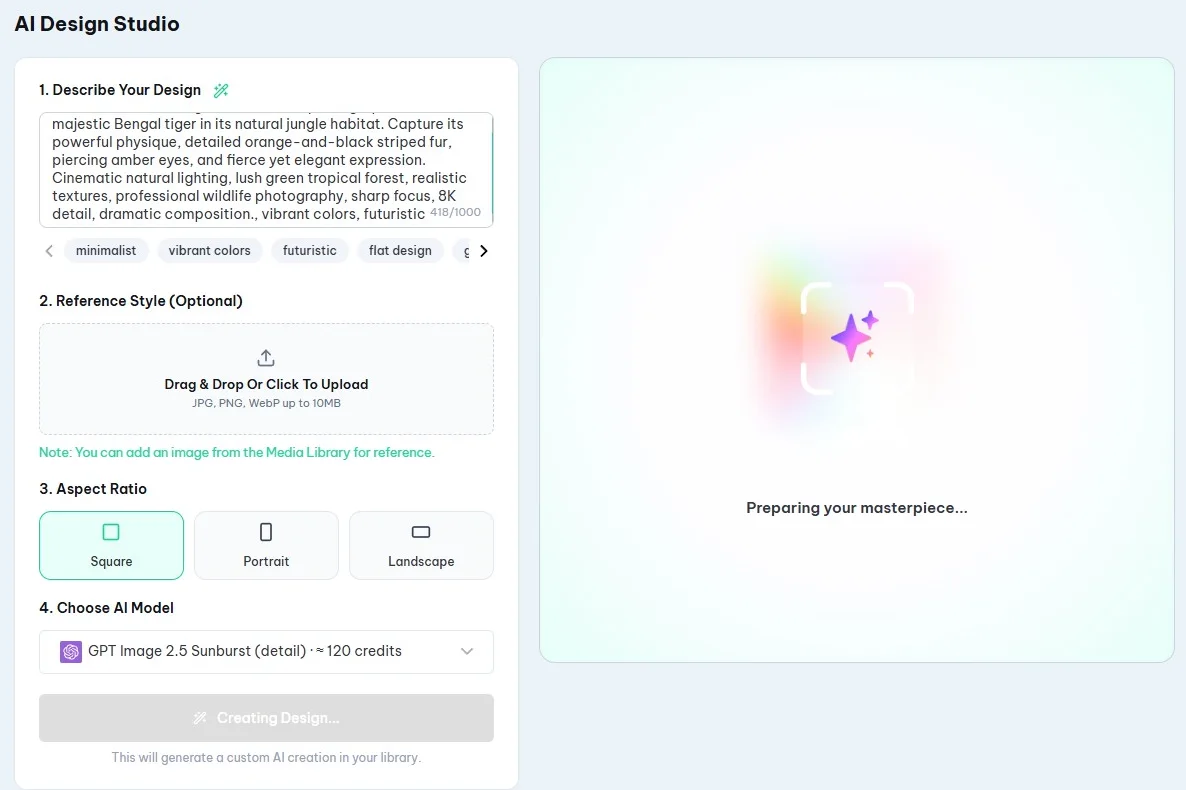
Describe your idea, add a reference image, and get a finished design to save, regenerate or edit.

Create, design, and schedule an entire campaign from a single idea.

Maintain a consistent tone and personality across all your content.

Chat with your AI partner to create a complete post, then publish or schedule it right there.

Use our WhatsApp assistant to create, schedule, and manage your posts on the go.
How It Works
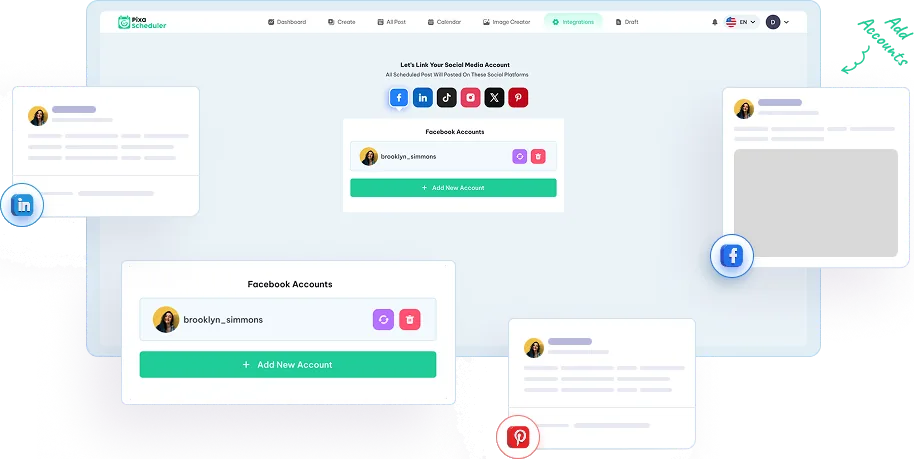
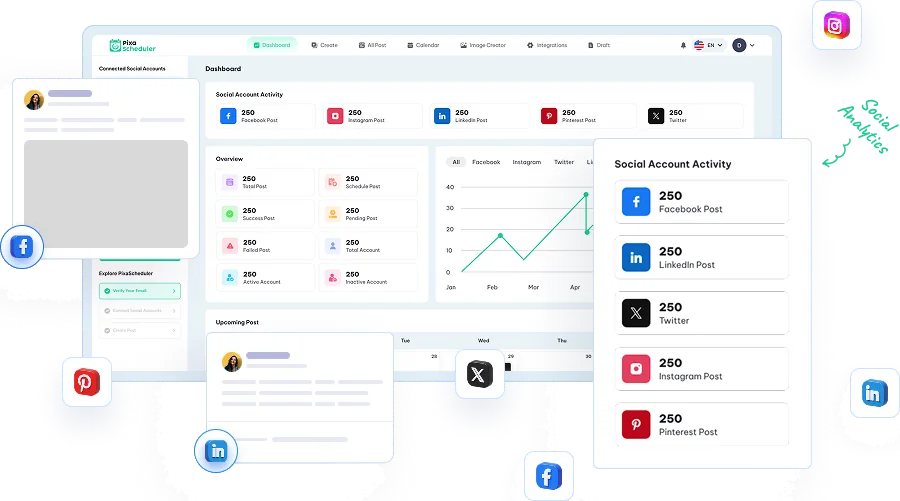
Link every network you post to once. Give each brand or client its own workspace so their accounts never mix.
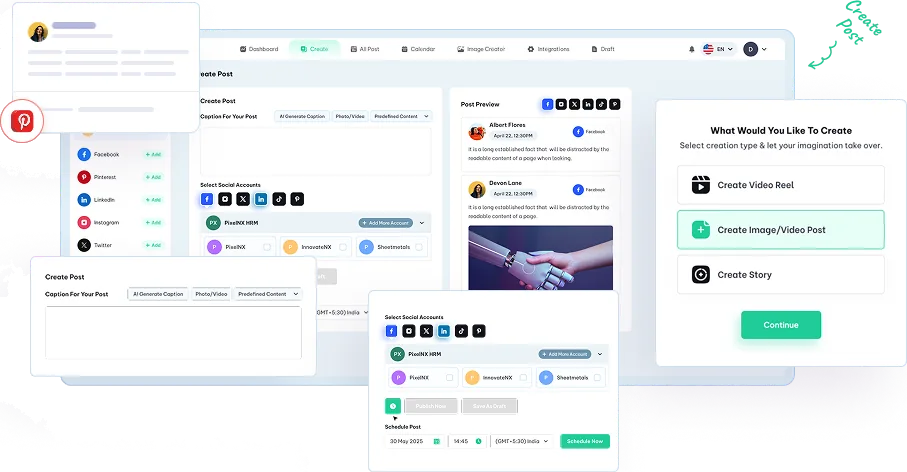
Write it yourself, design it in the editor, or let Pixa AI create it. Save it as a draft until it's ready.
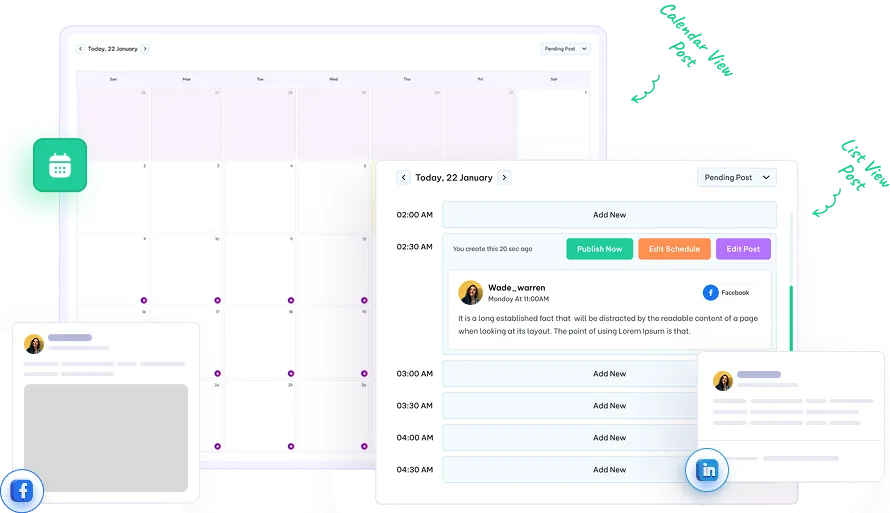
Drop posts onto the content calendar, or schedule many at once across accounts with Bulk Post.
Track every connected account and pull a report when a client or your boss asks how the month went.
And Much More
Invite your team to work on posts with you, on Premium and Agency plans.
Keep each brand or client in its own workspace, with its own accounts.
Set the tone and style for a workspace so AI writes the way your brand does.
Create AI campaigns in the language your audience reads.
Start a post design from a ready-made template, then make it yours.
Find images for your posts without leaving PixaScheduler.
Keep ready-made content on hand and add it to any post.
Post several images together, on the networks that support them.
Explore Everything
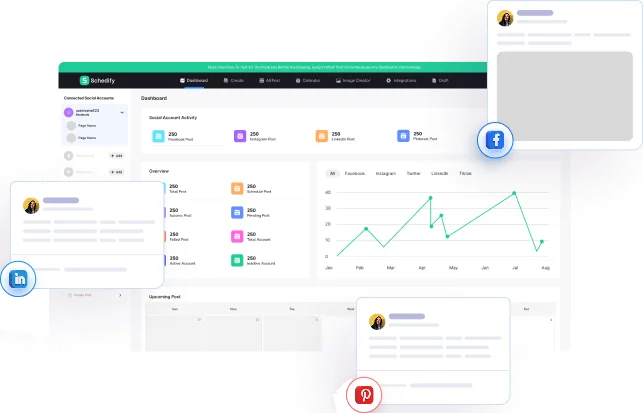
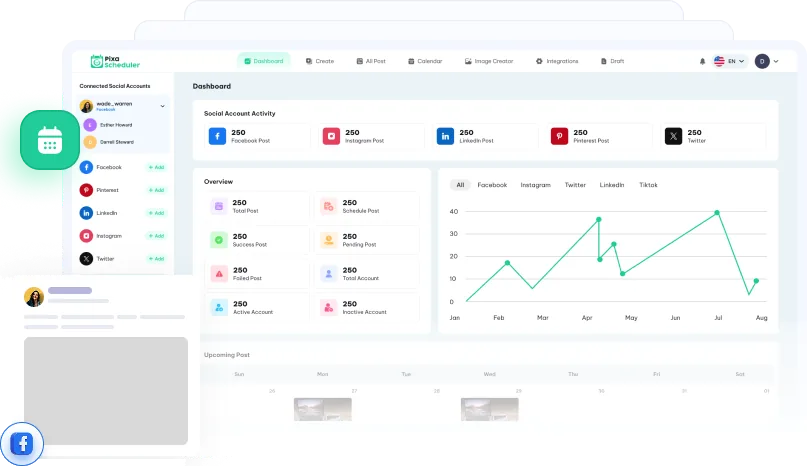
See your post counts, account activity and upcoming posts as soon as you log in.
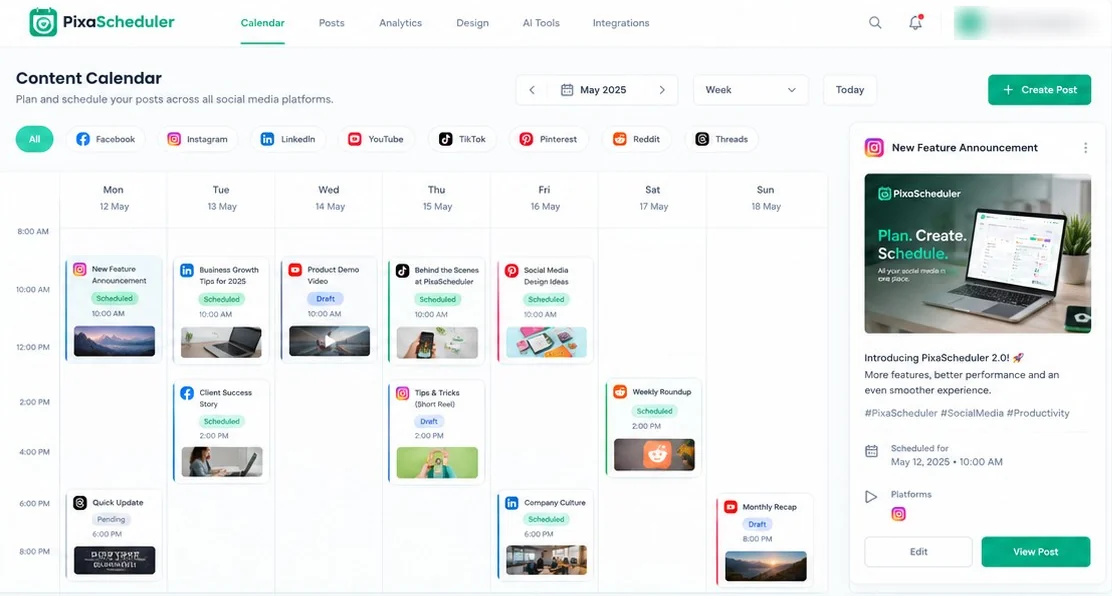
Plan your month in calendar or list view and see every post in one place.
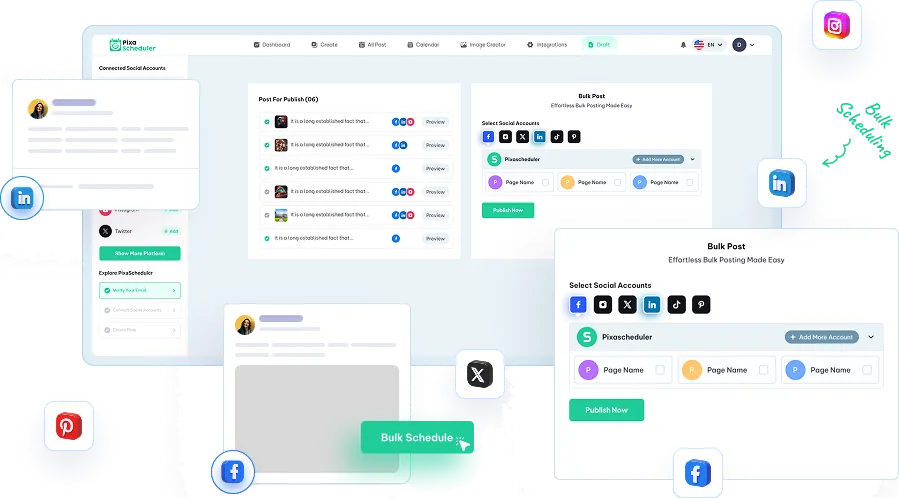
Schedule many posts across your accounts in one go.
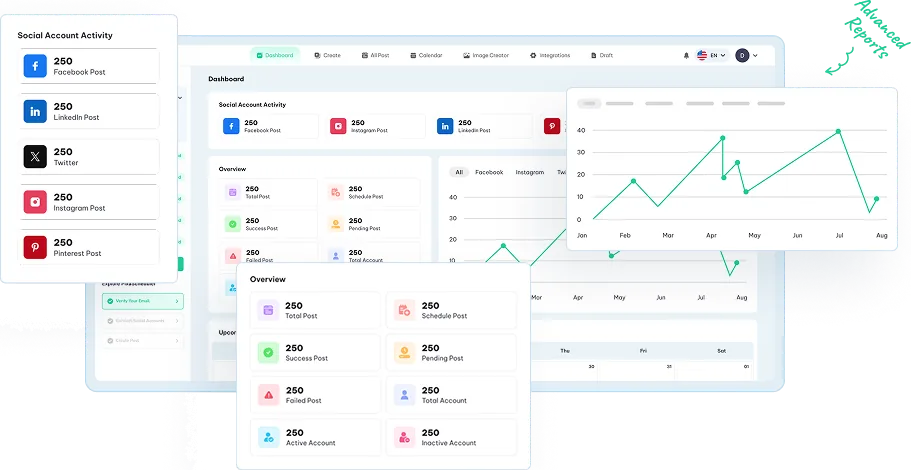
Track posts and engagement for every connected account.
Go deeper into account activity and post performance over time.
Write, design and preview your post, then publish or schedule it.
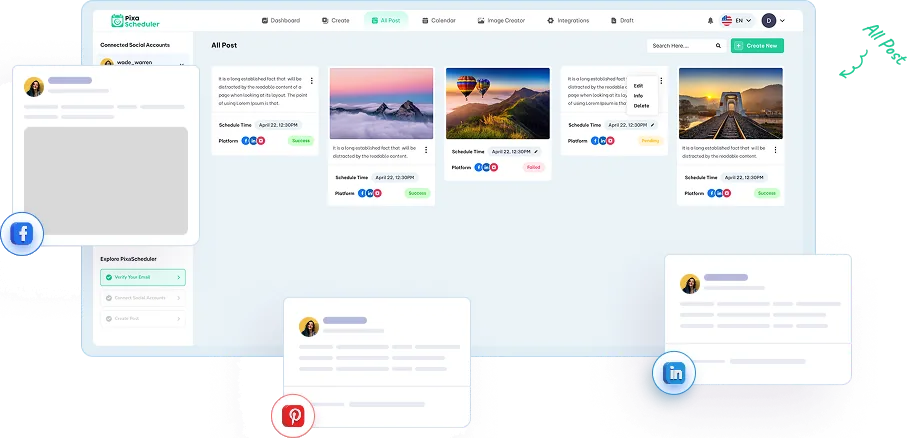
Find, edit or reschedule every post from one list.
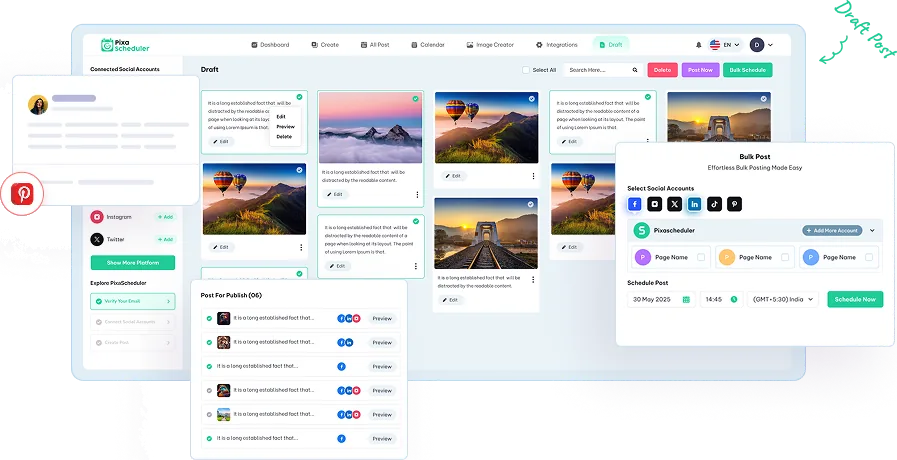
Save unfinished posts and pick them up when you're ready.
Link your social accounts once and post to all of them.
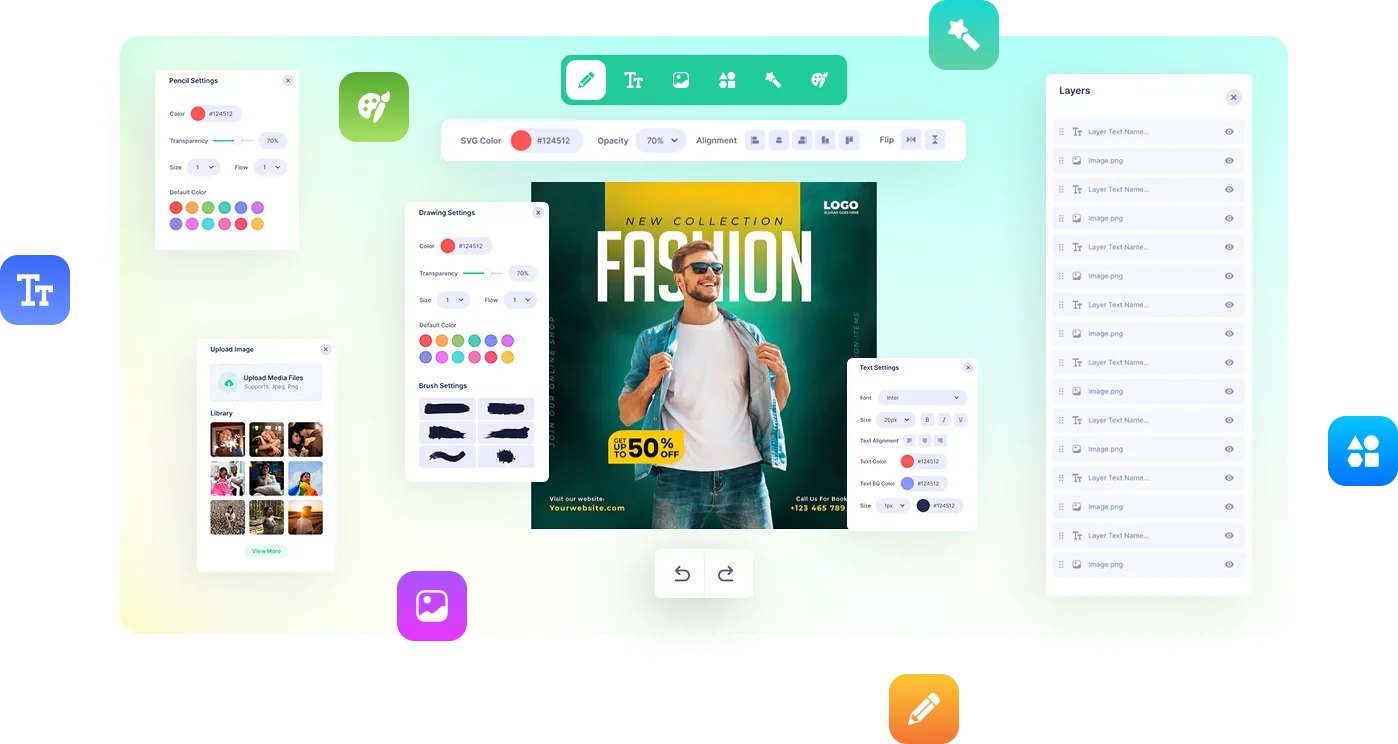
Create stunning visuals with pencil, text, image, shape, filter and drawing tools, faster than ever.
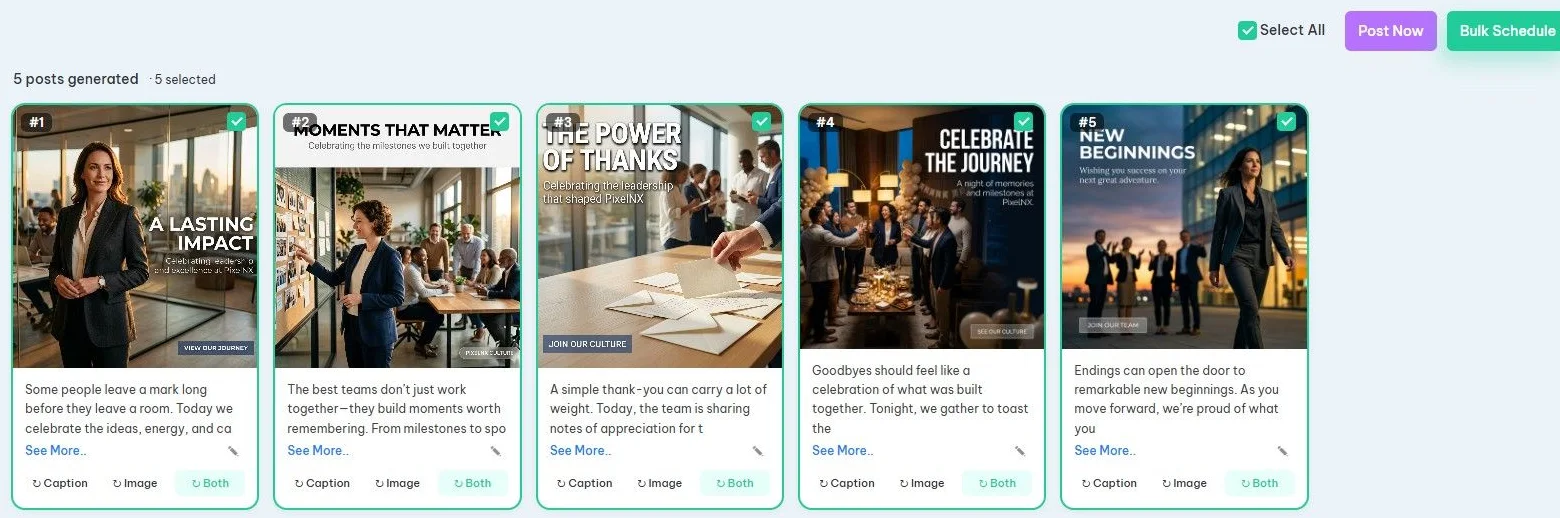
Turn one idea into a set of posts, then regenerate a caption, an image or both.
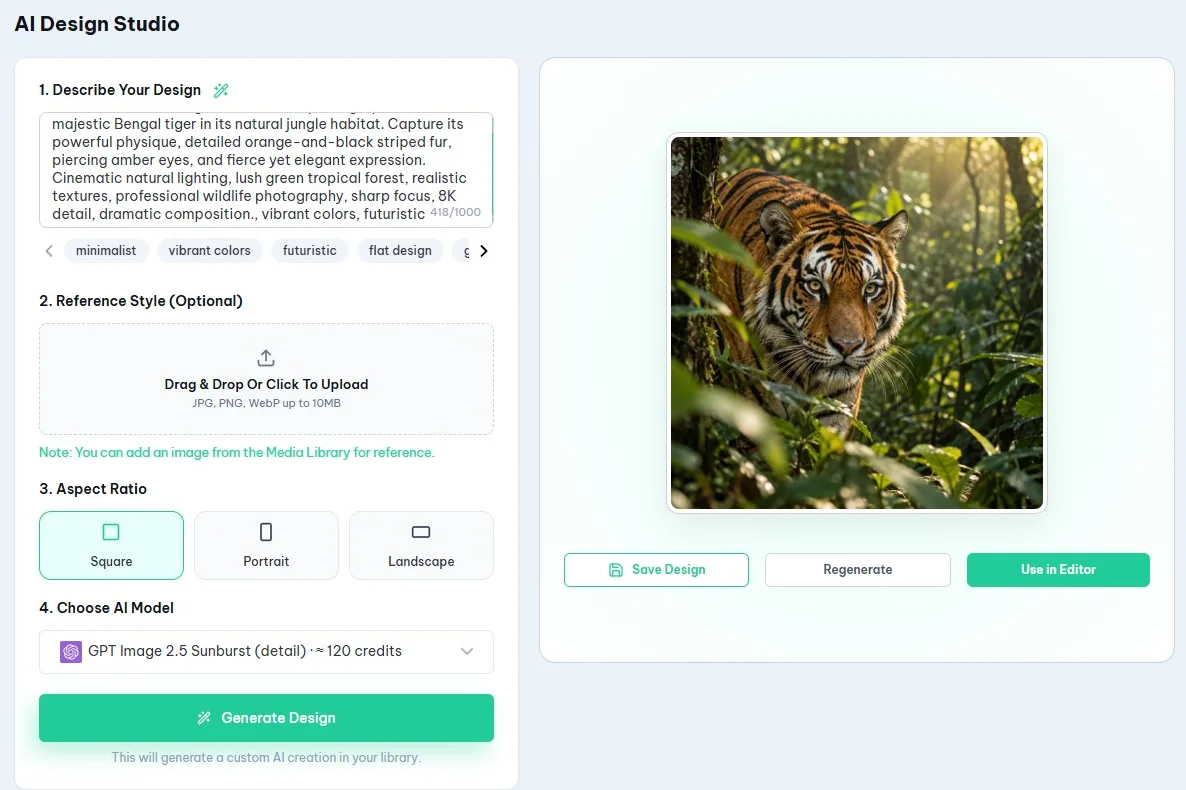
Describe a design, pick a shape, and save it, regenerate it or open it in the editor.
Just Ask
Your AI partner inside PixaScheduler. Ask it to create a complete post, with text or an AI image, and publish or schedule it right there. It also starts designs and campaigns, and answers questions about the app.
Connect your WhatsApp number and use PixaScheduler directly from chat. Create posts, plan campaigns and schedule content for your social accounts without leaving WhatsApp.
Go From One Idea To A Full Campaign
Describe your idea, pick a goal and language, and choose up to 30 posts. Pixa AI writes the captions and creates the images. Regenerate a caption, an image or both, then post or schedule them together.
Describe your design, add a reference image if you like, and choose square, portrait or landscape. Then save it, regenerate it or open it in the editor.
Pricing Table
Monthly
Yearly
Save up to 21%Try everything first
$0
15 days, no card needed
For solo creators
$19 /month
Billed monthly
For growing teams
$39 /month
Billed monthly
For agencies and many brands
$99 /month
Billed monthly
Enterprise
Trusted By

7,565

73,561
8
Our Testimonials
This platform has completely transformed how we handle creative tasks. With intuitive tools and seamless templates, our team produces high-quality content faster, saving valuable time and consistently delivering top-tier designs to our clients.

Aisha Patel
We’ve improved campaign turnarounds using this platform. The automation features and beautiful templates allow us to focus more on strategy while the tool handles the bulk of creative production with precision, speed, and amazing results every time.
Michael Chen
Getting started was surprisingly easy. I created stunning visuals within minutes without needing tutorials. The AI features are thoughtful, the UX is smooth, and everything just works exactly how you’d want from a creative tool at this level.
Laura Gomez
This tool quickly became our default for generating social media graphics, ad creatives, and even presentation decks. It blends automation with creativity perfectly, helping us keep quality high and production deadlines consistently met every single week.
Ryan Thompson
As a startup founder, I needed efficiency and quality without hiring a full design team. This platform is like having a designer and strategist in one—quick, effective, and capable of scaling with our growing content needs flawlessly.
Nina Roberts
Managing multiple brands used to be a nightmare until we started using this. It lets us handle content creation, client approvals, and team collaboration in one place, drastically reducing effort and increasing our agency’s delivery quality and speed.
Jared Singh